Tuesday, October 16, 2018

Movement


Movement


Definitions

Movement
An act of moving 

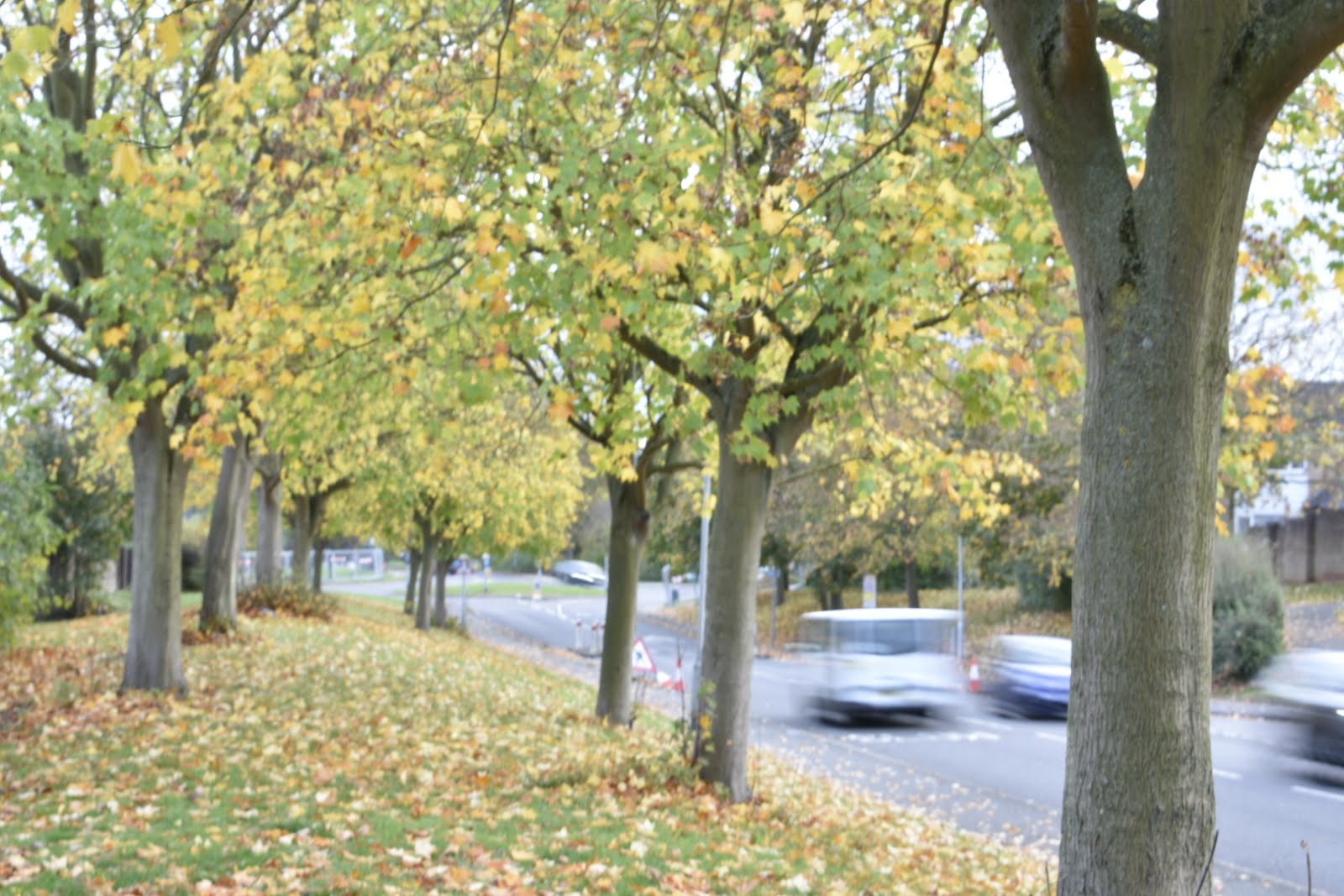
Motion Blur
Motion blur is the apparent streaking of moving objects in a photograph or a sequence of frames, such as a film or animation. It results when the image being recorded changes during the recording of a single exposure, due to rapid movement or long exposure. (20"+)
Related image


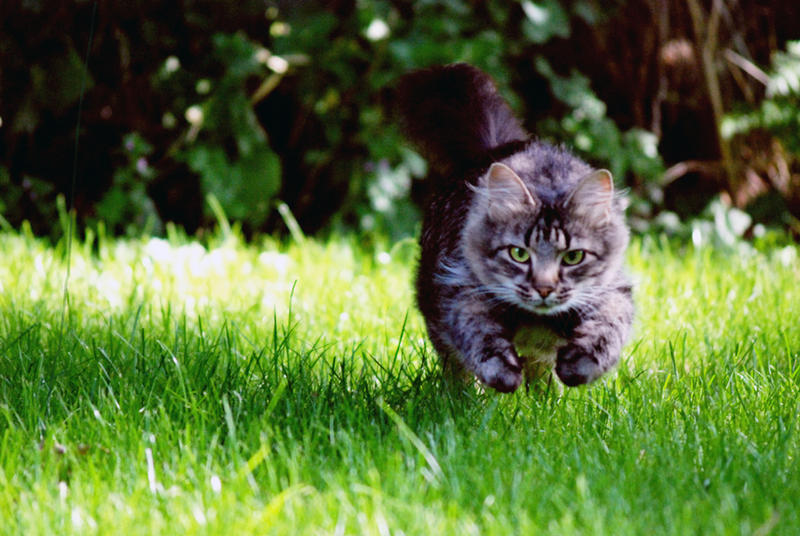
Freeze Frame
an optical effect or technique in which a single frame of film is reprinted in a continuous series, which when shown gives the effect of a still photograph. a button or other mechanism on a projector, videocassette system, etc., allowing one to stop the projected picture at any point. (1/250"+)


Image Bank

Related image
Image result for light trailsRelated image
Related image


Artist Research
Jacques Henri Lartigue

DescriptionJacques Henri Lartigue was a French photographer and painter, known for his photographs of automobile races, planes and female Parisian fashion models. Jacques-Henri Lartigue (1894-1986) thought of himself primarily as a painter and was only 'discovered' as a photographer in 1963, at the age of 69, when an exhibition of his work opened at the Museum of Modern Art, New York.


Contact Sheets


Best Images


Images that need Improvement


Ao3

My original idea for movement was to capture an animal in motion, some being blurry and some being a freeze frame. For example cats have a great form when pouncing on prey, this being a good freeze frame to capture. Dogs are always running around, usually not stopping for anything, this I believe would be well represented by capturing a blurry motion picture showing how crazy dogs are. If animals weren't available to me I then had the idea to capture human models moving around, or the background behind them moving and the model being still. 


AO2Explore and select appropriate resources, media, materials, techniques and processes, reviewing and refining ideas as work develops.


Ao1

The artist research helped me develop my images as it gave me ideas for the various images I can take and where I can take them, even if its as simple as someone jumping off stairs. The black and white editing can help make a more focus point for the image, fro example the object you have freeze framed.


Tuesday, October 2, 2018

Form

Form

Definition

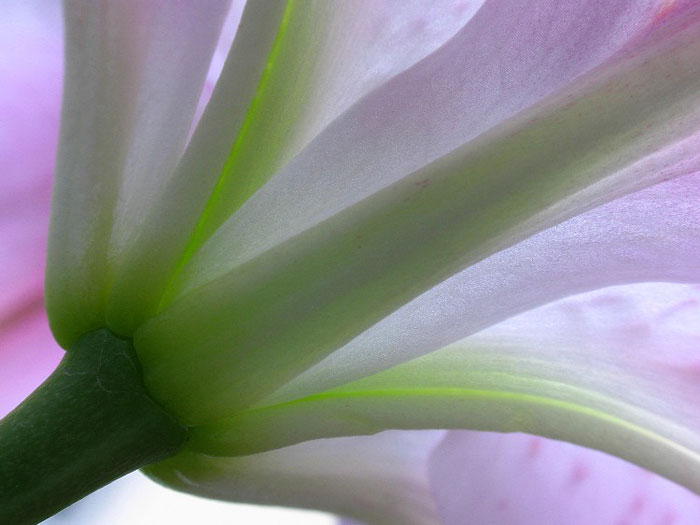
Form is the shape or configuration of a 3D object.

Image result for form photography


Image Bank


Image result for form photography

Related image

Artist Research

Sayaka Maruyama

Sayaka was born in Japan. At the age of 12 she moved to Holland with her family and that 3-year-stay in different culture influenced her in many ways especially in terms of art education. Sayaka Maruyama's practice traverses the mediums of photography, film, drawings, installation and performance. Drawing on classical Japanese references and Surrealist motifs, her work explores contradictory contemporary understandings of Japanese notions of beauty, from both Western and Eastern perspectives.


Contact Sheets


Best Images


Images that need Improvement


AO3: Record ideas, observations and insights relevant to intentions, reflecting critically on work and progress.

My intentions for form was to capture the variety of shapes and curves that can be seen within people, for example the contours of their face, and to also create a sense of the unknown.
I was inspired by Sayama because her images are quite abstract and made me question why she took the images she did and why she had the model the way she did. I also love working with flowers so linking the idea of human form and flowers was great inspiration for me. 

My image came out as I intended as you can see the shapes and forms in the models face and I also been able to include flowers in my shoot.


AO2Explore and select appropriate resources, media, materials, techniques and processes, reviewing and refining ideas as work develops


The images above show my finished edit and a screen shot of the settings I used to get this finished look. For the image above I had only put a black and white layer on and then adjusted the colours to get a desired outcome. However in this image I can now see that I needed to use the blemish tool to remove any blemishes that are then enhanced by the black and white filter. This will be a mistake I learn from to help improve future images.


In the images above I decided to make the image black and white because I believe it adds a more fitting mood to the image than it does in colour. The image is quite mysterious as the viewer doesn't know whats behind the flowers and why the flowers would be held over her face. I adjusted the colours in the layer to create a more darker black and white image to keep consistent with the mood of the image.


AO1: Develop ideas through sustained and focused investigations informed by contextual and other sources, demonstrating analytical and critical understanding.

The artist research of Sayaka Maruyama helped me develop intriguing images, all exploring the different ways form can be photographed. In my images you can't tell what is going on, the same being for Sayaka Maruyama, I used the forms of my model and the flowers I had, and also creating a sense of surrealism.


AO4:
 
Present a personal and meaningful response that realises intentions and, where appropriate, makes connections between visual and other elements.  


Tone

Tone

Definitions

Tone

Tone is the lightness, brightness or value of a patch in a photograph: dark tones correspond to shadows, light tones correspond to bright or highlight areas. Tones are created by the way light falls on a 3D object. The parts of the object on which the light is strongest are called highlights and the darker areas are called shadows. There will a range of tones in between the highlights and shadows

Zone System

Image result for zone system

Zone 0 is completely black and shows no detail in the image and this also goes for zone 10. These zones help create contrast in an image and helps produce the best settings or the image. 

 
In this image there is a variety of zones, however there is more darker zones than lighter zones. This helps to make the model looking more intimidating. Darkened cheek bones and high cheekbones make the model look more masculine but along with the dark eye bags, chissled jawline and dark messy hair, the model looks tougher. Connotations of this image is that he's a delinquent figure who is tough and intimidating, the editing supports this.
Diffuse lighting 
Harsh lighting 
difference between marylin and that guy

diffuse lighting, a soft and flattering light.


Artist Research

Imogen Cunningham

Imogen Cunningham was an American photographer known for her botanical photography, nudes, and industrial landscapes. Cunningham was a member of the California-based Group f/64, known for its dedication to the sharp-focus rendition of simple subjects


Image result for imogen cunningham

Image Bank


Image result for tone photography

Image result for tone photography

Image result for tone photography

Contact Sheets


Best Images


 Images that need improvement


I have selected the following images as my model was not ready for the images and therefore shes blinking in the image or the image is blurry and unfocused. The second photo I have selected has a filter on which has interfered with the image and has ruined the affect of tone. It has also made the image too bright. 

AO3: Record ideas, observations and insights relevant to intentions, reflecting critically on work and progress

My idea for taking photos of shape was to explore the different tones in people and objects and to test the variety of tones that can be created with different objects, the model themselves and different lights from different directions. In this shoot I also started experimenting with using people as models and I started using objects to give the image another focus to match with the subject ( in this case tone). I believe that the hat I used in the shoot adds tone and a darker shade to the image which I could use later in photoshop.

AO2Explore and select appropriate resources, media, materials, techniques and processes, reviewing and refining ideas as work develops.

Camera Settings

Photo Shop

I have edited the following pictures in Photoshop to highlight and define the tones within the images. I have done this by putting all the images in black and white and making the shadows darker and brightening the highlights to create a contrast and variety of tones. I have also used curves and a paintbrush tool to further darken areas I felt could be defined further.


The images above show my edit and a screenshot of the settings I used to get this outcome. By using dodging and burning I can create a more finished look on my image. To get this black and white finished I created a black and white layer and then used the options to lighten and darken colours of my choice. To make the flower stand out more I made the background a lot darker and then made the flower lighter.


In these images above you have the finished edit and a screen shot of how I got this finished look> for the image above I made the image black and white and found that as much as I moved around the settings of the colours I couldn't get a finished look I was pleased with, this is probably because of the big differences between the light and the shadow on the brick wall. To further adjust the image I used a layer called curves, this adjusts tones to brighten, darken, add contrast and shift colours. By using this I was able to get a desired tone in both the dark and light side of the image. 


The images above show my finished edit and also a screen shot of the settings I used. As i am using a model in this image there was a lot more editing that needed to be done before I made the image black and white. First of all I used the blemish tool to get rid of any unwanted blemishes in the photo that stood out once the image was in black and white. This helped to keep lighter tones consistent of light tones, an example would be a bruise as this would appear as a darker tone on the lighter tone (the skin). I then adjusted the colours to create a variety of different tones in the image. The same applies for the two images below.


AO1: Develop ideas through sustained and focused investigations informed by contextual and other sources, demonstrating analytical and critical understanding.

The artist research of Imogen was helpful as it helped me view objects from a different light to find deeper tones and shadows which I could then further enhance on photoshop. I loved using Imogen as a relating artist has I love taking images of flowers and editing my images in black and white.

AO4: Present a personal and meaningful response that realises intentions and, where appropriate, makes connections between visual and other elements.